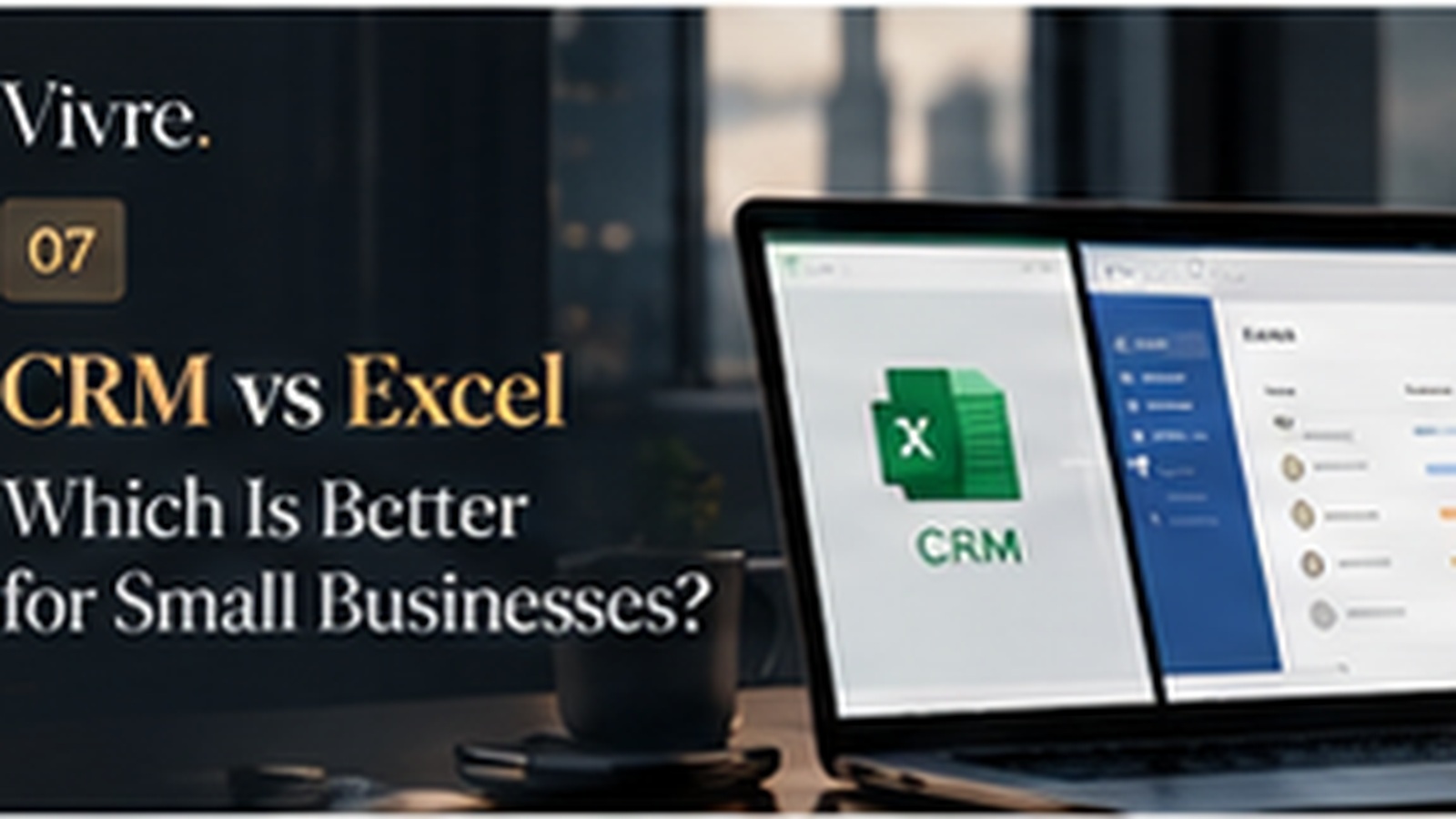
Excel is one of the most useful tools a small business can have. It is familiar, flexible, inexpensive to start with, and capable of handling many business tasks.
But a spreadsheet and a CRM solve different problems. Excel is a general-purpose data tool. A CRM is designed around customer relationships and sales processes.
Customer records
With Excel, the business creates its own columns and rules. This can work well initially, but consistency depends on the people maintaining the sheet.
A CRM provides structured records for Leads, Contacts, Companies, and Deals. The structure is built around the relationship rather than just rows and columns.
Collaboration
Spreadsheets can be shared, but collaboration becomes harder as more people edit the same data. Questions about ownership, changes, and process can emerge.
A CRM is designed as a shared working environment where users have accounts and permissions inside an organization.
Sales pipeline
An Excel sheet can represent a pipeline, but the business has to build and maintain that representation itself. A CRM provides sales concepts and views designed for opportunities.
Finding information
Filters and formulas make Excel powerful. But a CRM is built around searching, filtering, views, and customer records, so the workflow is usually more direct.
Scaling
Excel does not suddenly stop working when a company grows. The problem is that the process around the spreadsheet often becomes increasingly difficult to maintain.
A CRM can reduce that operational burden by giving the team a shared system and defined objects.
A side-by-side summary
- Setup: Excel starts instantly; a CRM needs a short setup of records, stages and owners.
- Structure: Excel relies on your own columns; a CRM has defined records for each part of the relationship.
- Teamwork: Excel works best with one editor; a CRM is built for many people working on the same records.
- History: Excel keeps the latest value; a CRM keeps notes and activity over time.
- Follow-up: Excel needs manual reminders; a CRM ties tasks and next steps to each record.
Example: moving a sales sheet into a CRM
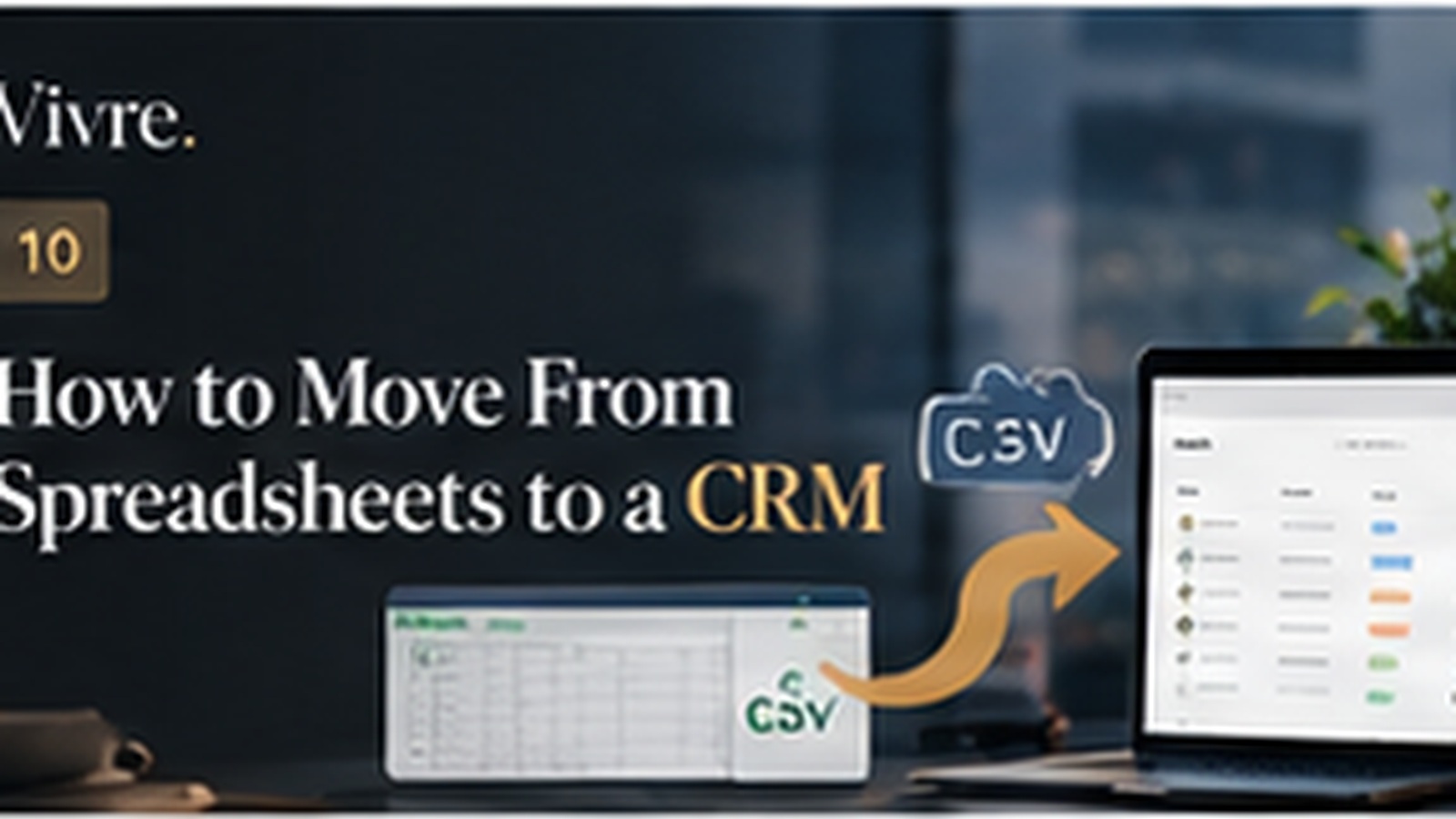
Say your Excel file has one row per prospect with columns for name, company, phone, status and notes. A practical move looks like this:
- Split the data into Contacts and Companies so each business appears once.
- Turn the status column into pipeline stages for Deals.
- Save the file as CSV and import it.
- Assign an owner to every open Deal.
- Keep the old file read-only as an archive.
When Excel is still the right choice
If one person manages a small number of customers and there are few follow-ups, Excel may be completely adequate. The goal is not to replace spreadsheets everywhere.
The switch makes sense when the business needs stronger collaboration, repeatable sales management, customer context, or visibility.
Using Excel and a CRM together
Moving to a CRM does not mean abandoning spreadsheets. Many teams export CRM data as CSV for one-off analysis, planning or forecasting models in Excel, then keep the CRM as the place where customer records are created and updated. The rule that matters is having one source of truth for customer information.
The Vivre CRM approach
Vivre is designed for businesses that have reached that point but do not want a complicated CRM. It provides Leads, Contacts, Companies, Deals, Views, custom fields, tags, CSV import and export, notifications, and team management with roles and permissions in an organization-based model. API, MCP and webhooks are available on paid plans.
Key takeaway
Excel is a powerful general-purpose tool. A CRM becomes more useful when customer management itself becomes a core business process. The right choice depends on how much structure, collaboration, and sales visibility the business needs.