CRM stands for Customer Relationship Management. In simple terms, a CRM is software that helps a business keep customer information, sales opportunities, and customer activity organized in one place.
For a small business, the value is less about having another piece of software and more about having a reliable place to answer simple questions. Who is this prospect? What did we discuss? Who owns the opportunity? What stage is it in? What should happen next?
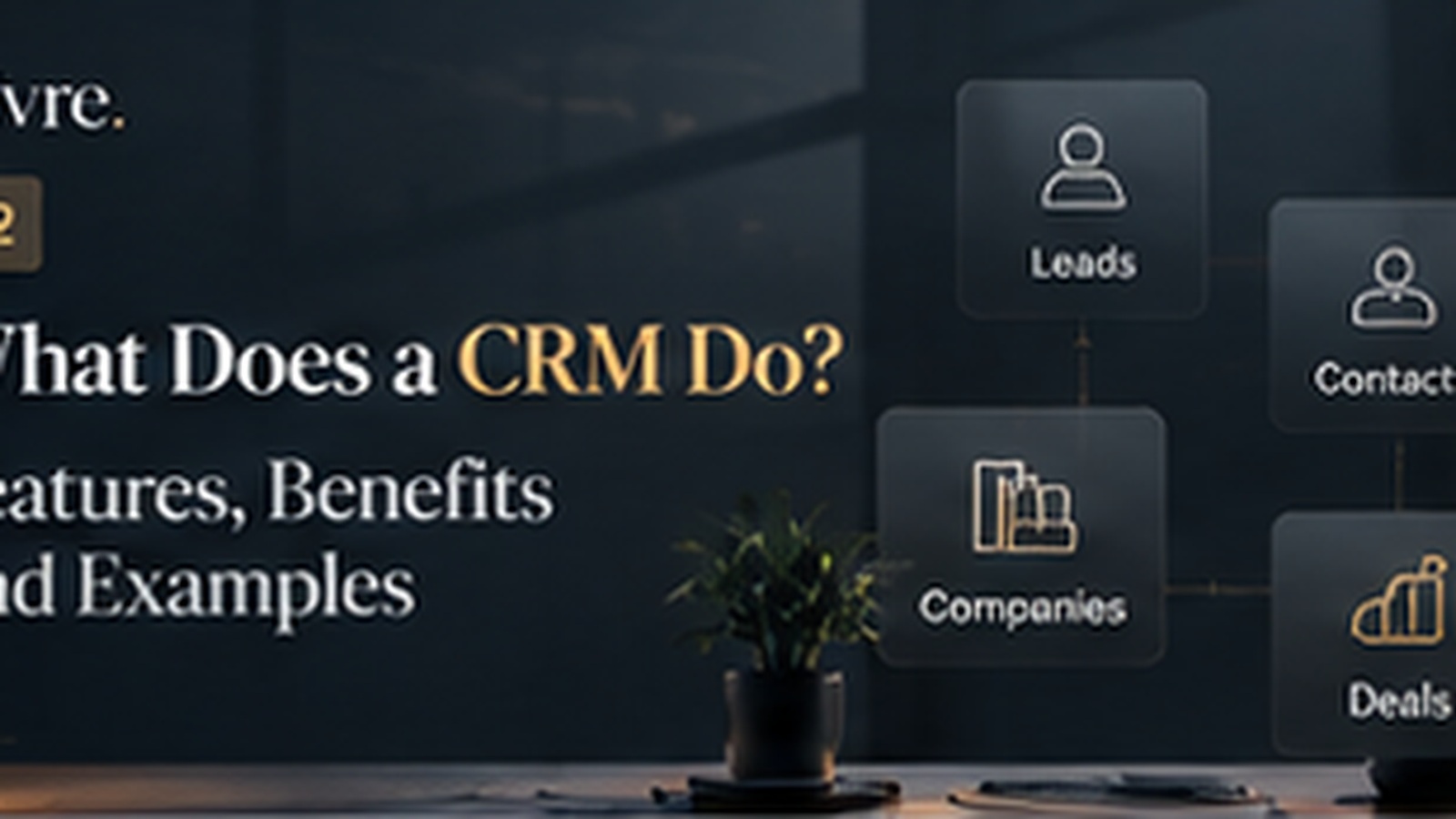
A CRM normally brings together core records such as Leads, Contacts, Companies, and Deals. Instead of keeping those details in separate spreadsheets or relying on individual team members to remember them, the business creates a shared system that the team can work from.
What does a CRM actually do?
A CRM can capture and organize customer information, track sales opportunities, record activity, create useful views, and give teams visibility into the sales process. More advanced CRMs may also add integrations, automation, analytics, and AI features.
The important point is that a CRM should support the way a business works. A small team does not necessarily need dozens of modules or complicated configuration. It needs clean data, clear ownership, and a process that people will actually use.
A simple example
Imagine a five-person marketing agency. Leads arrive through its website, referrals, and outreach. Without a shared system, one person may keep information in Excel, another may use email, and another may maintain notes separately.
A CRM gives the team a shared record of the relationship. A Lead can be qualified, converted into a Contact, associated with a Company, and eventually connected to a Deal. The exact process varies by business, but the underlying idea is the same: keep the customer journey visible.
Does every business need a CRM?
Not necessarily. A freelancer with a handful of clients may be perfectly comfortable with a spreadsheet. The need usually appears when customer information grows, more people become involved in sales, follow-ups start getting missed, or management needs visibility into the pipeline.
What makes a good CRM for a small business?
Start with simplicity. The team should understand the core objects, add and update information quickly, find what it needs, and see the status of opportunities without excessive administration.
Vivre CRM follows this principle by keeping CRM fundamentals at the center while providing organization-level access for growing teams. Businesses can start with a free organization for one user/seat, and paid organizations can add up to 99 members/seats by default when the team needs shared access.
Common mistakes when starting
- Importing every old spreadsheet without cleaning it first, so duplicates follow you into the new system.
- Creating dozens of custom fields before anyone knows which ones matter.
- Leaving Leads without an owner, so nobody feels responsible for the next step.
- Treating the CRM as a reporting tool for managers rather than a daily working tool for the team.
How to start in your first week
- Write down the questions you want the CRM to answer, such as which Leads are new and which Deals are waiting on a decision.
- Clean your current customer list and save it as a CSV file.
- Import the data, then give every open record an owner.
- Agree on two habits: log each conversation and always record the next step.
- Review after a week and remove anything the team is not using.
Key takeaway
A CRM is not simply a database of customers. It is a working system for managing relationships and sales information. The best CRM for a small business is usually the one that gives the team clarity without creating unnecessary operational work.